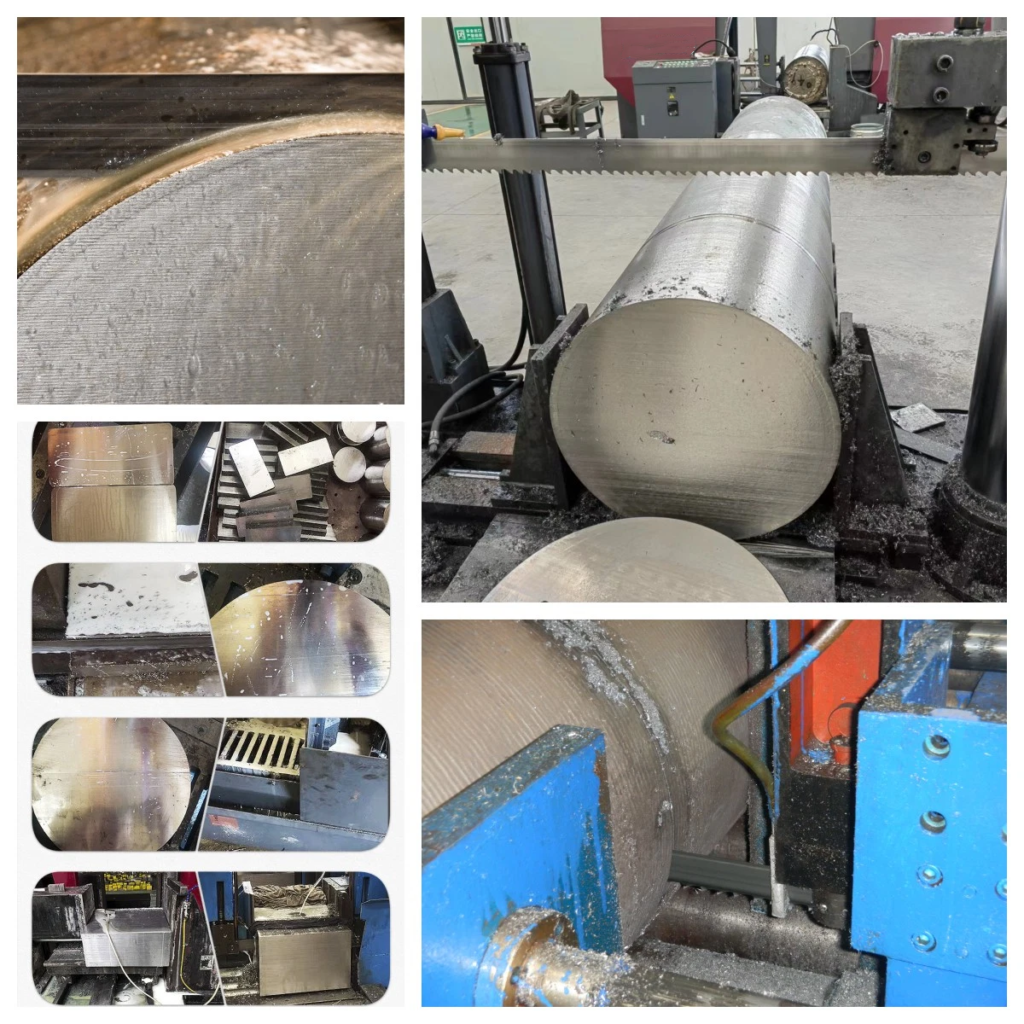
Struggling with blade wear and poor cuts? The wrong blade speed burns through money and materials. Here's how to get it right every time.
To select the right linear speed, you must match it to the material's hardness and cross-section size. Harder, larger materials require slower speeds to prevent overheating and blade damage, while softer, smaller materials can be cut faster for greater efficiency.
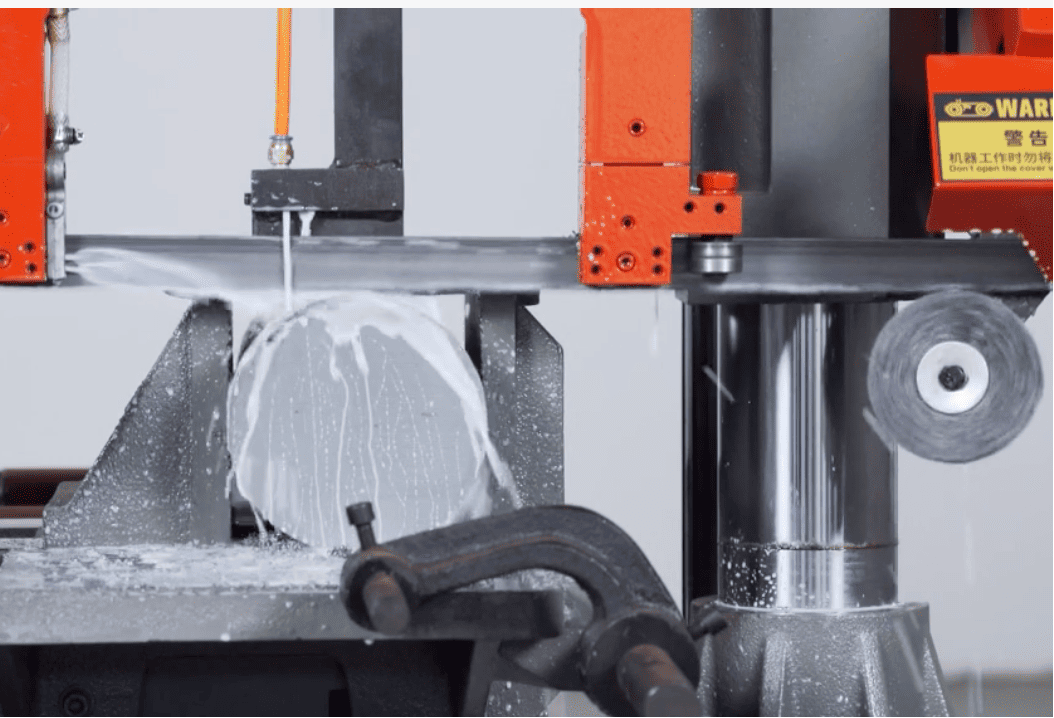
Getting the speed right seems simple, but there's more to it than just "fast" or "slow." I've seen countless workshops make the same costly mistakes over the years. This isn't just about a single cut; it's about the long-term health of your machines1, the lifespan of your blades, and the profitability of your entire operation. Let's break down exactly what you need to know to optimize your cutting process and protect your investment in blades.
How does material hardness dictate your blade speed?
Cutting high-carbon steel with the same speed as aluminum? This common mistake dulls blades and ruins workpieces. Let's fix that and save your blades.
For hard materials like high-carbon steel or cast iron, you need to use a lower linear speed. This reduces friction and heat buildup, preventing blade wear. For softer materials like aluminum or copper, a higher speed increases cutting efficiency without damaging the blade.
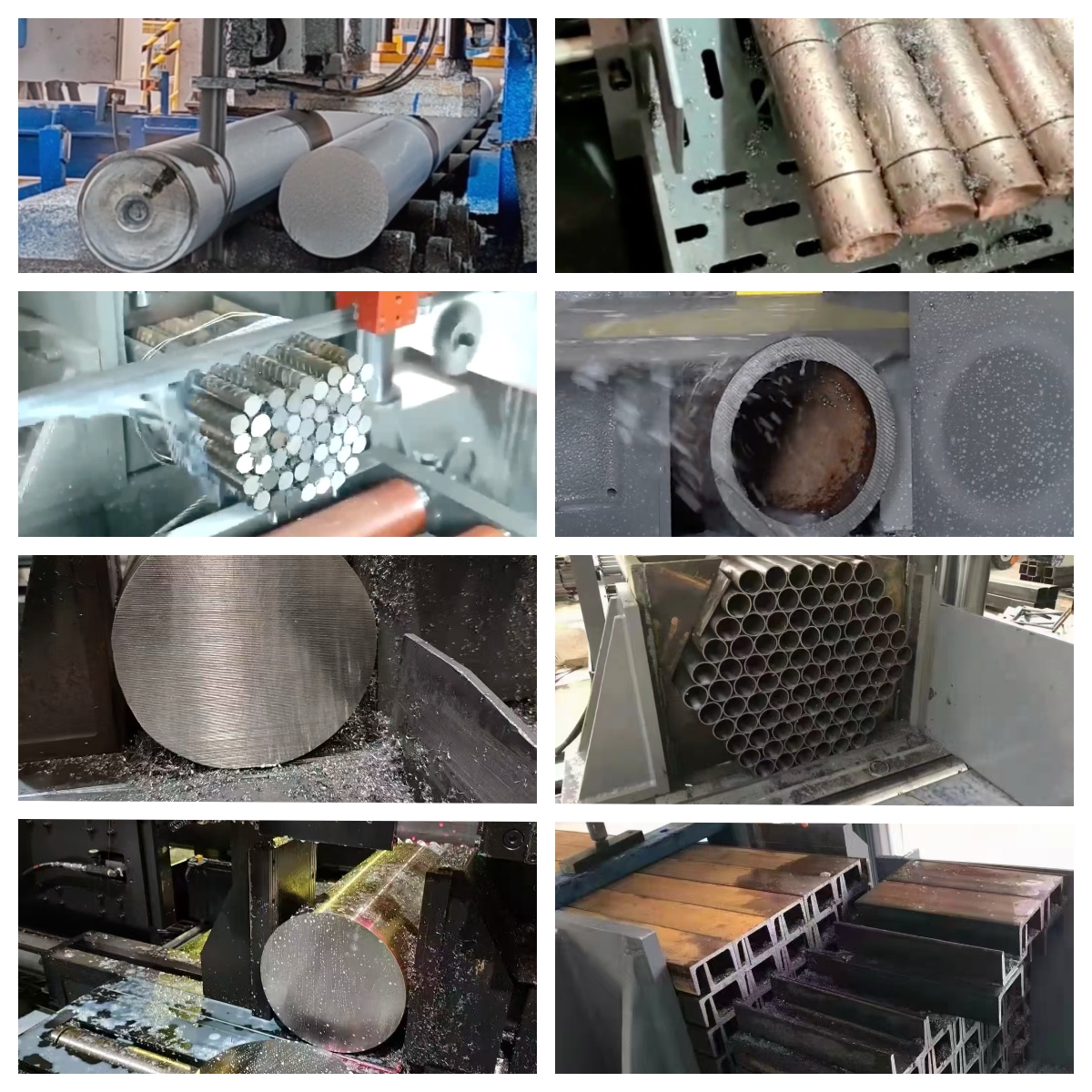
When I first started in this business, I thought faster was always better. I quickly learned that lesson the hard way. The key is to understand what's happening at the tip of each saw tooth. When you're cutting a very hard material, the resistance is immense. If your blade is moving too fast, you're essentially slamming the teeth into the workpiece, which generates a massive amount of friction and heat.
Understanding Heat and Work Hardening
This heat is your enemy. It can soften the cutting edge of the blade's teeth, causing them to dull almost instantly. In some metals, like stainless steel, excessive heat can cause "work hardening." This means the surface you're cutting actually becomes harder than it was before, making the rest of the cut even more difficult and putting more strain on your blade. By slowing down, you give each tooth enough time to cut effectively and you allow heat to dissipate. For softer materials like aluminum, you have the opposite situation. The material is easy to cut, so a higher speed allows you to remove material quickly and efficiently without generating harmful levels of heat.
A Practical Speed Guide
Here is a simple table to give you a general idea. Always check your blade manufacturer's specific recommendations, but this is a good starting point.
| Material Group | Hardness | Recommended Linear Speed | Why? |
|---|---|---|---|
| Aluminum, Copper | Soft | High | Maximizes cutting efficiency. |
| Low-Carbon Steel | Medium | Medium | A balance between speed and blade life. |
| High-Carbon Steel, Cast Iron | Hard | Low | Reduces heat and prevents tooth wear. |
| Stainless Steel, Tool Steel | Very Hard | Very Low | Prevents work hardening2 and blade damage. |
Does the size of your material really change the best cutting speed?
Ever snapped a blade on a large steel block? The material's size, not just its type, puts huge stress on your saw. Here's how to adjust.
Yes, absolutely. For large cross-sections like solid round or square bars, you must reduce the linear speed. This lowers the cutting load on each tooth and prevents the blade from breaking under stress. For smaller profiles like tubes or thin bars, you can increase the speed.
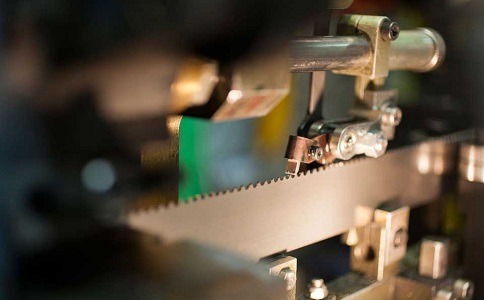
The shape and size of the material you are cutting is just as important as what it's made of. Think about the difference between cutting a thin-walled tube and a massive, solid block of the same metal. The amount of blade that is in contact with the material at any given moment is completely different, and your speed must be adjusted to account for this.
The Concept of Tooth Engagement
When you cut a large, solid piece of stock, many teeth on the blade are engaged in the material at the same time. Each one is working to remove a chip of metal. The combined force of all these teeth cutting at once creates a huge load on the blade. If your linear speed is too high, the force can become too great for the blade to handle. I've seen blades start to wander off-line, create a crooked cut, or even worse, catastrophically snap because the operator was trying to push through a thick piece too quickly.
Adjusting for Different Profiles
Slowing down the speed for larger cross-sections reduces the load on each tooth. It also helps with chip evacuation. The space between the teeth, called the gullet, needs to clear the chips from the cut. In a deep cut, a slower speed ensures the gullets don't get packed with material, which would increase friction and heat. For smaller or structural pieces like tubing, fewer teeth are engaged, so you can safely increase the speed to get the job done faster.
| Material Profile | Tooth Engagement3 | Recommended Speed Adjustment | Reason |
|---|---|---|---|
| Solid Round/Square Bar | High | Decrease Speed | Reduces blade load, prevents breakage. |
| Thick-Walled Tubing | Medium | Slight Decrease | Balances load and chip removal. |
| Thin-Walled Tubing | Low | Increase Speed | Fewer teeth are cutting, allows for faster cuts. |
| Structural Shapes (I-Beams) | Variable | Use Moderate Speed | The cross-section changes during the cut. |
What are the real costs of using the wrong blade speed?
Are you constantly replacing blades or scrapping parts? These aren't just annoyances; they are direct hits to your bottom line. Let's see the hidden costs.
Using the wrong speed leads to premature blade wear, breakage, and poor cut quality. This increases your costs for consumable blades, wastes expensive material, and adds time for rework or scrapped parts, directly impacting your factory's productivity and profitability.
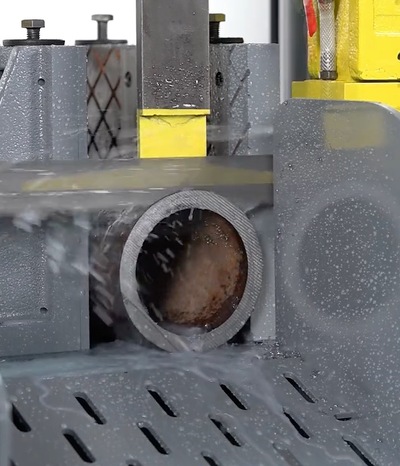
The costs of getting the blade speed wrong go far beyond just buying a new blade. As a business, we have to look at the total cost of an operation. A single snapped blade is a small expense, but the ripple effects can be significant. I encourage my customers to think about the bigger picture.
Direct Financial Impacts
The most obvious cost is the blade itself. If you're burning through blades because your speeds are too high, that's a direct hit to your consumable budget. Then there is the cost of the material. A bad cut on an expensive piece of alloy steel means that material is now scrap. You've lost the value of the material and the time invested in handling it. If the cut is just out of tolerance, you then have to factor in the labor cost and machine time for rework, which kills your efficiency. These are all direct, measurable costs that eat into your profit margins.
The Hidden Cost of Inefficiency
Then there are the hidden costs. Every time a machine is down because of a blade change, it's not producing. If a cut that should take five minutes takes ten because you're running the speed too slow, you've cut your potential output in half for that machine. Over weeks and months, this lost productivity adds up to a huge number. This is why a simple speed chart isn't just a guide; it's a tool for managing your profitability.
| Symptom | Probable Cause | Consequence |
|---|---|---|
| Blue/Burnt Chips | Speed too high | Premature blade dulling, heat damage. |
| Blade Snapping | Speed too high for section size | Lost blade, potential machine damage, downtime. |
| Crooked Cut | Speed/Feed imbalance | Scrapped part, rework required. |
| Very Slow Cut Time | Speed too low | Lost productivity, increased labor cost per part. |
How do you find the perfect starting speed for a new material?
Facing a new alloy or an unfamiliar job? Guessing the blade speed is a recipe for disaster. There's a systematic way to find the sweet spot.
Always start with the manufacturer's recommendation chart for the blade and material type. Begin on the conservative (slower) side of the recommended range. Then, observe the chips, listen to the saw's sound, and check the cut quality to fine-tune the speed.
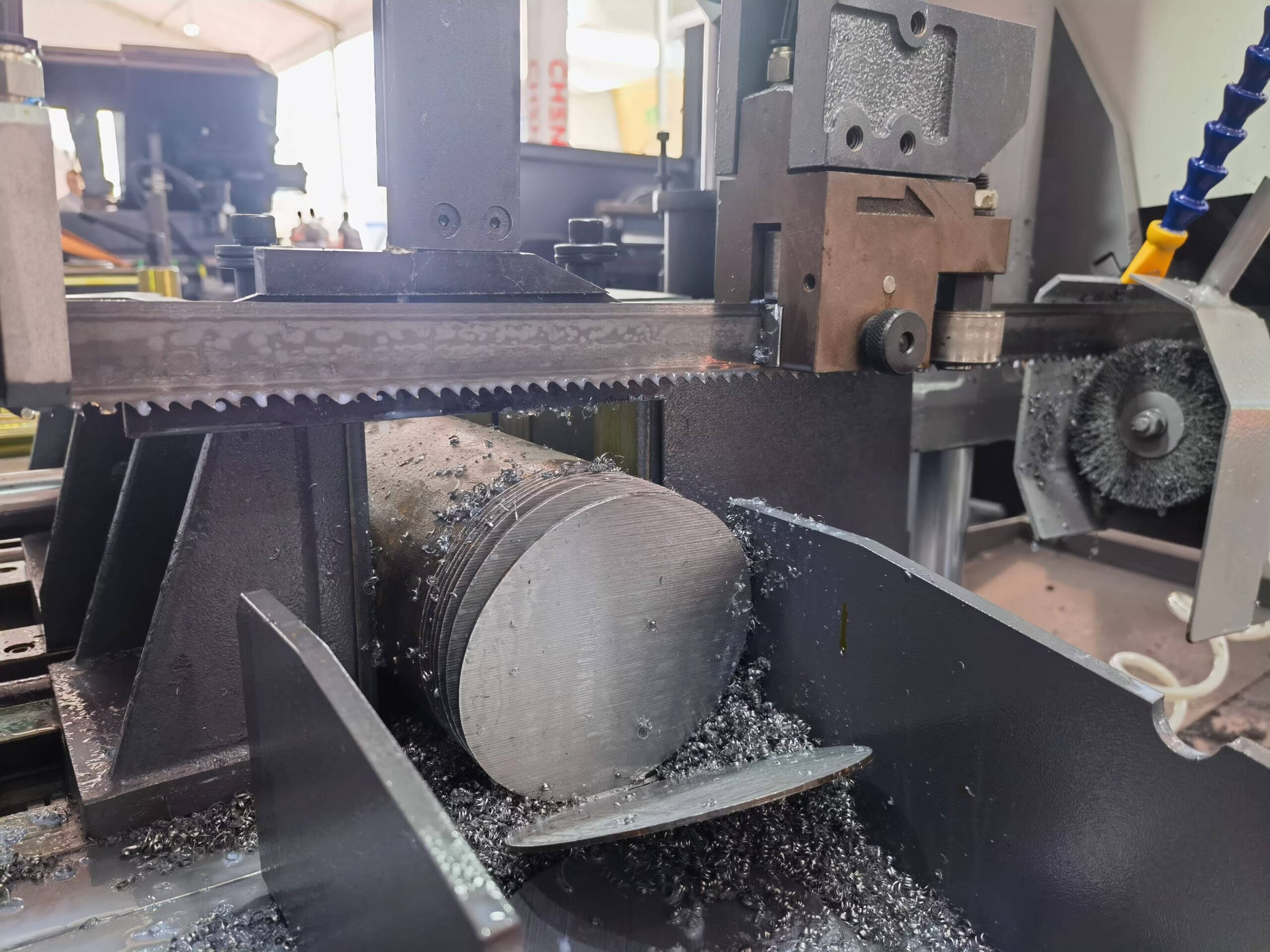
Even with years of experience, I never guess when I encounter a new material or a challenging cut. There's a simple, professional process to follow that takes the guesswork out of the equation and gives you consistent, reliable results every time. It's all about starting with a good baseline and then paying attention to the signs the machine and material are giving you.
Start with the Chart
Your first step should always be to consult the speed and feed chart provided by your blade manufacturer. They have done extensive testing to determine the optimal parameters for their blades on various materials. These charts are your single best resource. Find the material you are cutting, and find the recommended speed range. My advice is to always start at the low end of that range. It is much safer and less costly to start too slow and speed up than it is to start too fast and damage the blade or workpiece.
Reading the Signs: Chips and Sound
Once you start the cut, you need to become an observer.
- Look at the chips: The chips tell you everything. Ideal chips are thin, curled, and have a silver or light brown color. If the chips are fine like dust, your feed rate is likely too low. If they are thick and turning blue or black, you have too much heat – your speed is too high.
- Listen to the saw: A good cut has a steady, stable sound. If you hear a high-pitched squeal or a chattering noise, something is wrong. This often indicates the speed is too high, causing vibration.
Based on these observations, you can make small adjustments. If the chips look good and the sound is stable, you can try increasing the speed slightly to improve your cycle time. If you see any signs of trouble, back the speed down immediately. This methodical approach will lead you to the perfect speed for any job.
Conclusion
In short, matching your blade speed4 to the material's hardness and size is key. This simple adjustment will improve cut quality, extend blade life5, and boost your overall efficiency.
Explore strategies to keep your band saw machines in top condition, reducing downtime and maintenance costs. ↩
Understand work hardening and its impact on cutting processes to avoid damaging your blades and workpieces. ↩
Learn about tooth engagement and its importance in achieving clean cuts and preventing blade damage. ↩
Discover the benefits of matching blade speed to material properties for improved cut quality and efficiency. ↩
Find out how to prolong the life of your band saw blades, reducing replacement costs and downtime. ↩